
TL;DR
- Best overall: Databricks, because managed MLflow, governed data, and Model Serving all sit next to the data your models train on.
- Best on AWS: Amazon SageMaker, because SageMaker Unified Studio puts data prep, training, Bedrock, and hosted endpoints in one workspace and one bill.
- Best on Google Cloud: Gemini Enterprise Agent Platform (formerly Vertex AI), because every former Vertex AI service and Google's agent tooling now ship there.
- Best GenAI MLOps platform for your own cloud: Simplismart, because it fine-tunes, optimizes, and autoscales open models inside your AWS, GCP, or Azure account, or a Kubernetes cluster you already run.
- Best open source: MLflow, because it is the vendor-neutral tracking, registry, and evaluation layer most other platforms plug into.
Most AI teams now need one stack that ships two kinds of models: classic predictive models and open or fine-tuned LLMs running on GPUs. Many MLOps platforms handle the first job well and the second poorly. We ranked these ten on GenAI production readiness, deployment flexibility, classic ML lifecycle coverage, pricing transparency, and vendor stability, drawing on what we see while deploying and optimizing models for customers. Each entry covers how the platform works, what it costs to run, and when to pick something else.
MLOps Platforms Compared at a Glance
The 10 Best MLOps Platforms for Classic ML and GenAI
1. Simplismart: Best GenAI MLOps Platform for Deploying Models in Your Own Cloud
Simplismart is an AI inference and model deployment platform for fine-tuning, deploying, and scaling open and custom models: LLMs, vision-language models, speech and diffusion models. It runs on Simplismart's GPUs, inside your own cloud account, or on your own Kubernetes cluster. Teams use it for voice agents, document parsing, transcription, and image or video pipelines where latency and GPU cost decide the product's margin.
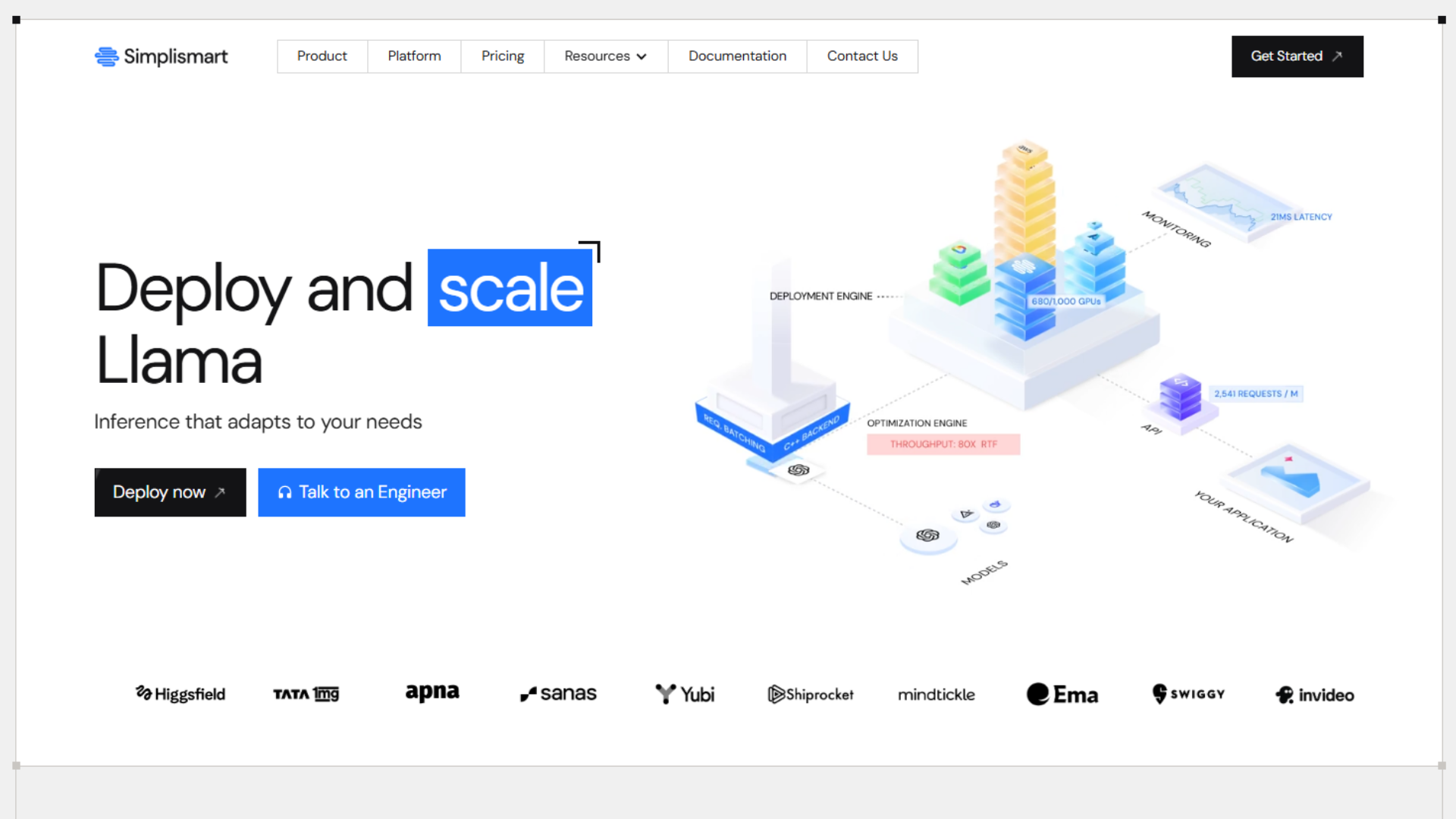
Bring your own cloud, two ways. In managed mode, Simplismart provisions a cluster inside your AWS, GCP, or Azure account using restricted credentials, in about 30 minutes. In import mode, you connect any existing Kubernetes cluster with a kubeconfig, including on-prem and neocloud clusters. Your data stays in your account either way.
Compile, then serve. When you add a model, the platform starts a temporary compilation environment, applies optimizations such as quantization and kernel tuning for your GPU, and packages the result as container images. You then deploy it as a real-time API, a streaming endpoint, or a batch job.
Autoscaling on GPU signals. Replicas scale on latency, concurrency, and memory rather than CPU load, and can scale to zero when idle. Metrics export to Prometheus, Datadog, and New Relic, so your existing on-call setup sees the endpoints.
Why teams we work with pick Simplismart:
- Fine-tune and deploy in one place: LoRA, QLoRA, SFT, RFT, GRPO and DPO, then serve the result without a handoff to another platform.
- Benchmark before you switch traffic: a built-in suite runs performance and quality tests on your own data.
- One control plane across environments: shared endpoints, dedicated GPUs, your cloud and on-prem use the same workflow.
Performance. Tata 1mg fine-tuned open vision-language models to parse prescriptions in place of paid APIs, raising parsing accuracy from about 80% to about 95%. Its training runs dropped from 3 days to about 1.5 hours. Invideo moved new pipelines from proof of concept to production in 3–4 days instead of about two weeks.
Running it in production. Shared endpoints bill per token, and dedicated GPUs bill per GPU-hour, from $1.20 for a T4 to $5.20 for an H200 on the pricing page. One H100 at $5.00 an hour running 24/7 costs about $3,650 a month. Pricing for your-cloud and on-prem setups is by consultation. One limitation to plan around: in managed BYOC mode, fast scale-up is available on AWS and Azure only. Simplismart is also not a feature store or an experiment tracker, so most teams keep MLflow or W&B for that layer.
Choose it when your GenAI models must run in your own cloud or cluster with targets on latency and cost. Pick something else when most of your work is tabular ML on lakehouse data (Databricks) or research-scale experiment tracking (Weights & Biases).
See how Simplismart deploys models in your cloud or on-prem, or start with the documentation.
2. Databricks: Best for Teams Whose Data Lives in a Lakehouse
Databricks runs data engineering, machine learning, and GenAI on one platform across AWS, Azure, and Google Cloud. Teams use it for feature pipelines on lakehouse tables, training jobs, batch scoring, and RAG apps or agents that need evaluation before release.
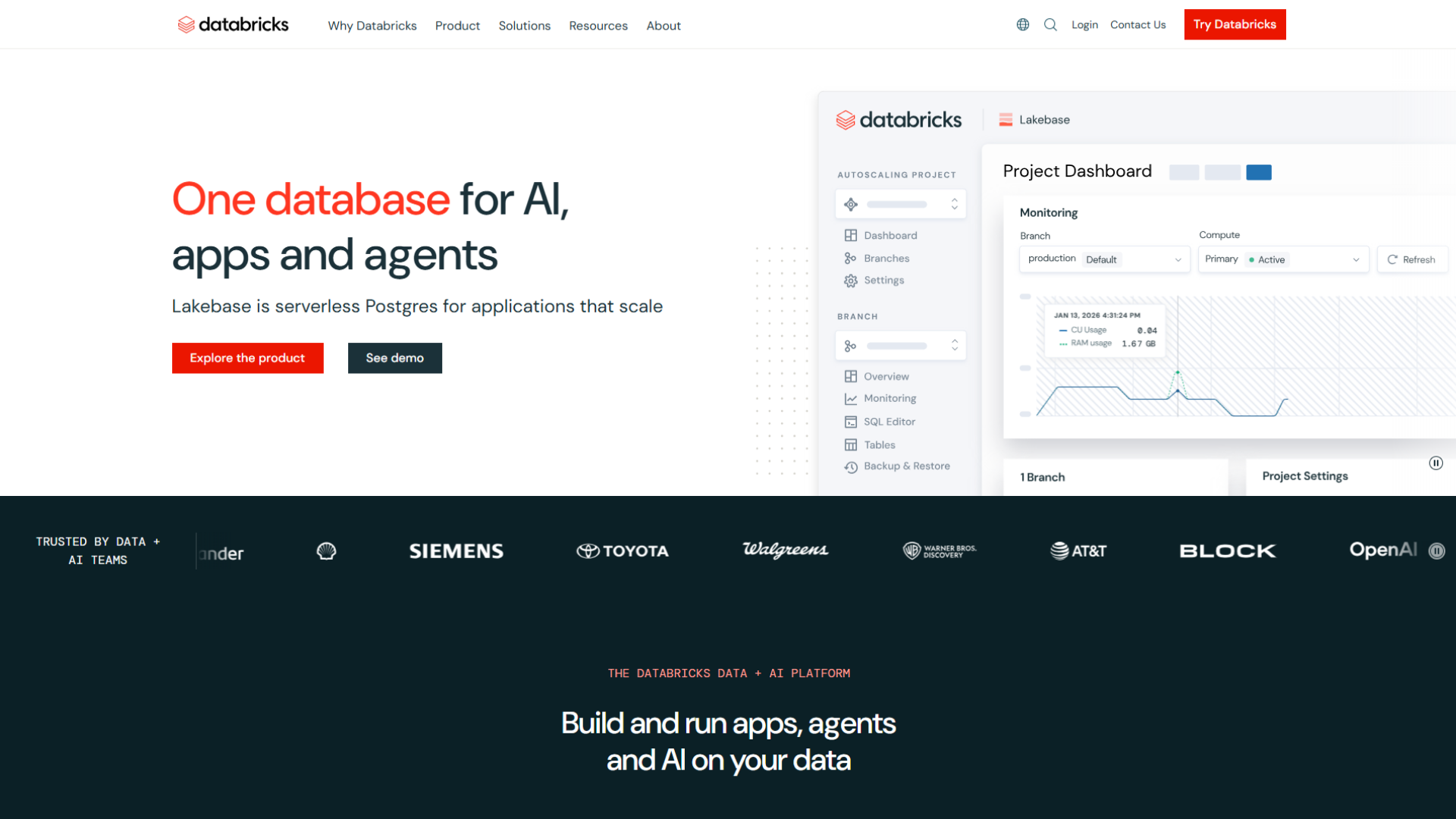
Managed MLflow 3 is the lifecycle layer of Databricks MLOps. It tracks experiments and registers models, and for GenAI apps, it scores them with judges. Your evaluation history captures traces of every LLM call, retrieval, and tool step next to your training history instead of in a separate tool.
Model Serving turns a registered model into an autoscaling REST endpoint. For open LLMs, Databricks recommends provisioned throughput for production, which reserves dedicated capacity so latency holds under load.
Why teams pick Databricks:
- One copy of the data: training, features, and serving read the same governed tables, so there is no export step between analytics and ML.
- GenAI evaluation in the tracker: traces, human feedback, and LLM judges sit in the same MLflow experiments as classic runs.
- A path from trial to production: pay-per-token Foundation Model APIs for prototypes, provisioned throughput once traffic is real.
Performance. Databricks prices serving in DBUs per hour by endpoint size. Its GPU serving rate card lists a single-T4 endpoint at 10.48 DBUs an hour and a single-A10G endpoint at 20 DBUs an hour. The dollar rate per DBU depends on your cloud and tier.
Running it in production. Plan for GPU cold starts: Databricks' own engineers note that GPU autoscaling is slower than CPU, so latency-sensitive endpoints usually keep provisioned concurrency above zero. The gotcha regulated teams miss its residency: Databricks states that its Foundation Model APIs may process data outside the region and cloud where it originated. Check this before you send patient or financial data through a pay-per-token endpoint.
Choose it when your training data already lives in Databricks; that is the case where it is the best MLOps platform on this list.
Pick something else when you mostly need GPU serving for open models inside your own cloud account (Simplismart) or your stack is AWS-only (SageMaker).
3. Amazon SageMaker: Best for AWS-Native ML Teams
Amazon SageMaker is AWS's end-to-end ML platform. Its newer SageMaker Unified Studio brings EMR, Glue, Athena, Redshift, Bedrock, and SageMaker AI into one workspace. That suits teams whose data, IAM policies, and budget already sit in AWS.
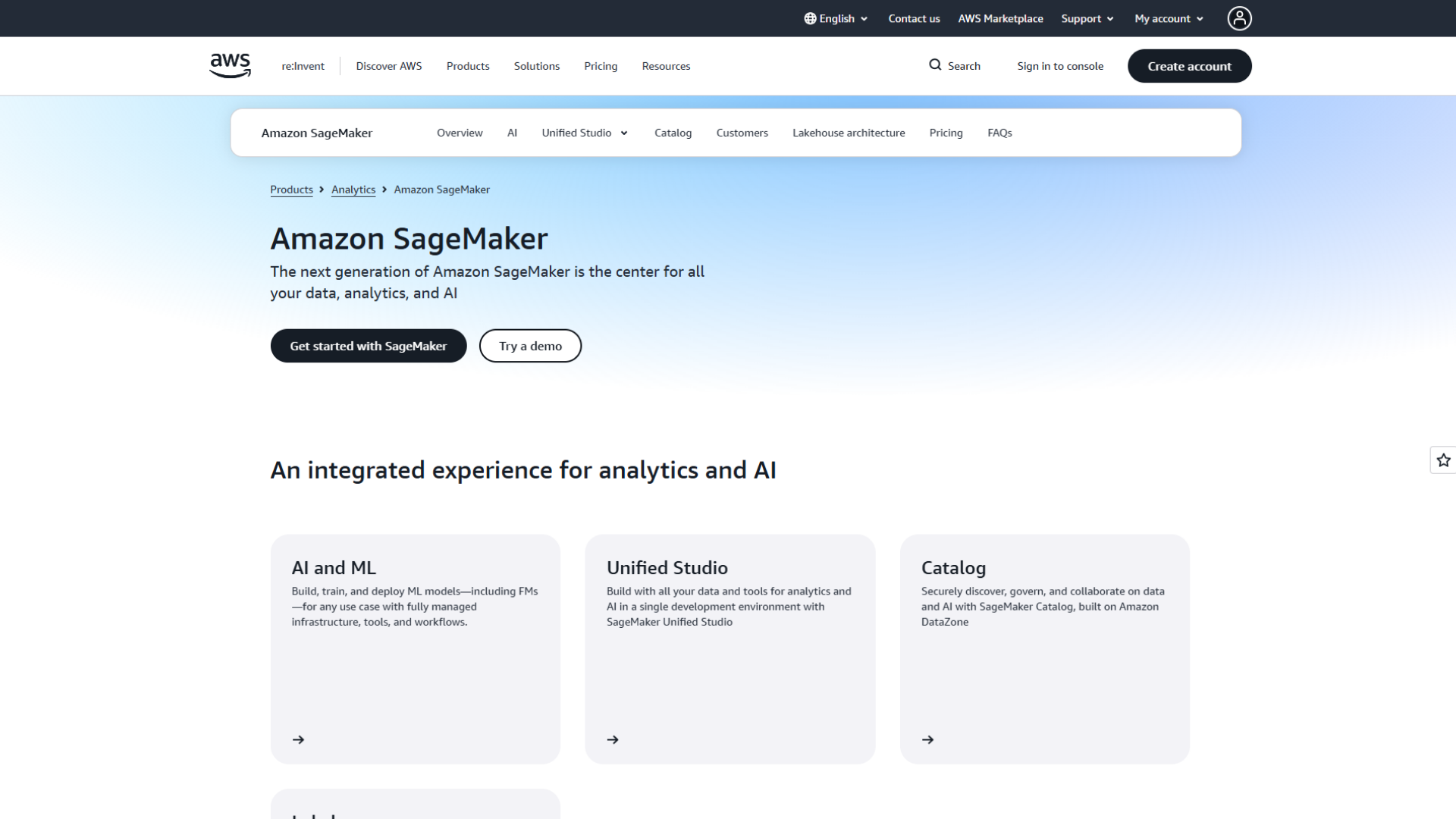
Unified Studio is the working surface. Data engineers and ML engineers share one environment for queries, ETL, notebooks, and training, and AWS has added more than 20 features to it in 2026 alone, including a feature store interface.
Hosted endpoints and Bedrock cover two serving paths. Custom and fine-tuned models run on SageMaker endpoints you size yourself. Managed foundation models run through Bedrock, which Unified Studio includes for building GenAI apps.
Why teams pick SageMaker:
- Everything on one AWS bill: no new vendor review, and existing IAM and networking rules apply.
- Broad inference options: real-time, asynchronous, serverless, and batch, chosen per workload.
- Bedrock beside custom models: use a managed model for one feature and your own fine-tune for another.
Performance. AWS bills real-time and asynchronous endpoints per instance-hour while the endpoint is running, plus storage and data processed. Cost tracks the GPU instance you pick, not traffic.
Running it in production. The most common cost leak is idle GPU endpoints: they bill for every hour they are up, whether or not requests arrive. Teams with bursty GenAI traffic pair endpoints with autoscaling policies or move low-traffic models to serverless or asynchronous inference.
Choose it when AWS is your only cloud. Pick something else when you need the same workflow across several clouds or on-prem (Simplismart, Domino), or your data platform is Databricks.
4. Gemini Enterprise Agent Platform (Formerly Vertex AI): Best for Google Cloud and Agent-Heavy Teams
Google launched the Gemini Enterprise Agent Platform on April 22, 2026, as the evolution of Vertex AI. Google says all Vertex AI services and roadmap work now ship through it. It suits teams on BigQuery and teams building fleets of agents on Gemini and third-party models.

The MLOps services moved; they did not disappear. Google's release notes map the old names to the new ones: Vertex AI Pipelines became Agent Platform Pipelines, Vertex AI Training became Agent Platform Managed Training, and Model Garden kept its name.
Serving comes in two modes. Pay-as-you-go suits prototypes and spiky traffic. Provisioned throughput reserves capacity for production models that need predictable latency.
Why teams pick Google's platform:
- Same cloud as BigQuery: training reads warehouse data without a cross-cloud transfer.
- Agent tooling in the same console: Agent Studio, agent governance, and model serving live together.
- Model choice: Gemini plus third-party models through Model Garden.
Performance. Pricing is usage-based per service, with provisioned throughput when you need reserved capacity, so cost tracks the services you actually run.
Running it in production. The rename is the real migration cost. Runbooks, Terraform modules, IAM role names, and internal docs that say "Vertex AI" need updating, and new features land only under the Agent Platform name.
Choose it when Google Cloud is home, and agents are on your roadmap. Pick something else when models must run outside Google Cloud (Simplismart, Kubeflow).
5. Azure Machine Learning and Microsoft Foundry: Best for Microsoft-Standardized Enterprises
Microsoft splits its stack in two. Azure Machine Learning builds, trains, and deploys models, and Microsoft Foundry builds on Azure Machine Learning but is tailored for generative AI and agents. Enterprises already standardized on Azure get both under one subscription and one SDK.
Managed online endpoints serve real-time traffic. You create an endpoint, attach one or more deployments, and split traffic between them, which makes blue-green rollouts a configuration change rather than a migration.
Foundry's model catalog offers more than 1,600 models you can deploy to managed compute, using the same Azure AI ML SDK as your classic models.
Why teams pick Azure:
- One SDK for classic and open models: registry, endpoints, and deployments use the same objects.
- Traffic splitting built in: test a new model version on a share of live requests before full rollout.
- Large model catalog: open models and partner models in one place.
Performance. Managed compute is billed per minute of deployment uptime: the VM hours, plus any surcharge the model publisher sets.
Running it in production. You need Azure Machine Learning compute quota for the exact GPU SKU before a deployment will start, so request quota early in the project. If you built on Prompt flow, plan a move: Microsoft retires Prompt flow on April 20, 2027.
Choose it when Azure is your enterprise standard. Pick something else when you need one workflow across several clouds and on-prem (Simplismart, Domino).
6. MLflow: Best Open-Source Lifecycle Backbone
MLflow is the open-source standard for experiment tracking, model registry, and evaluation. MLflow 3 shipped in June 2025 and reworked the project for GenAI, and releases have continued through 2026, including multi-workspace support in version 3.10. It is the right base layer for teams that want reproducibility without buying into one vendor.
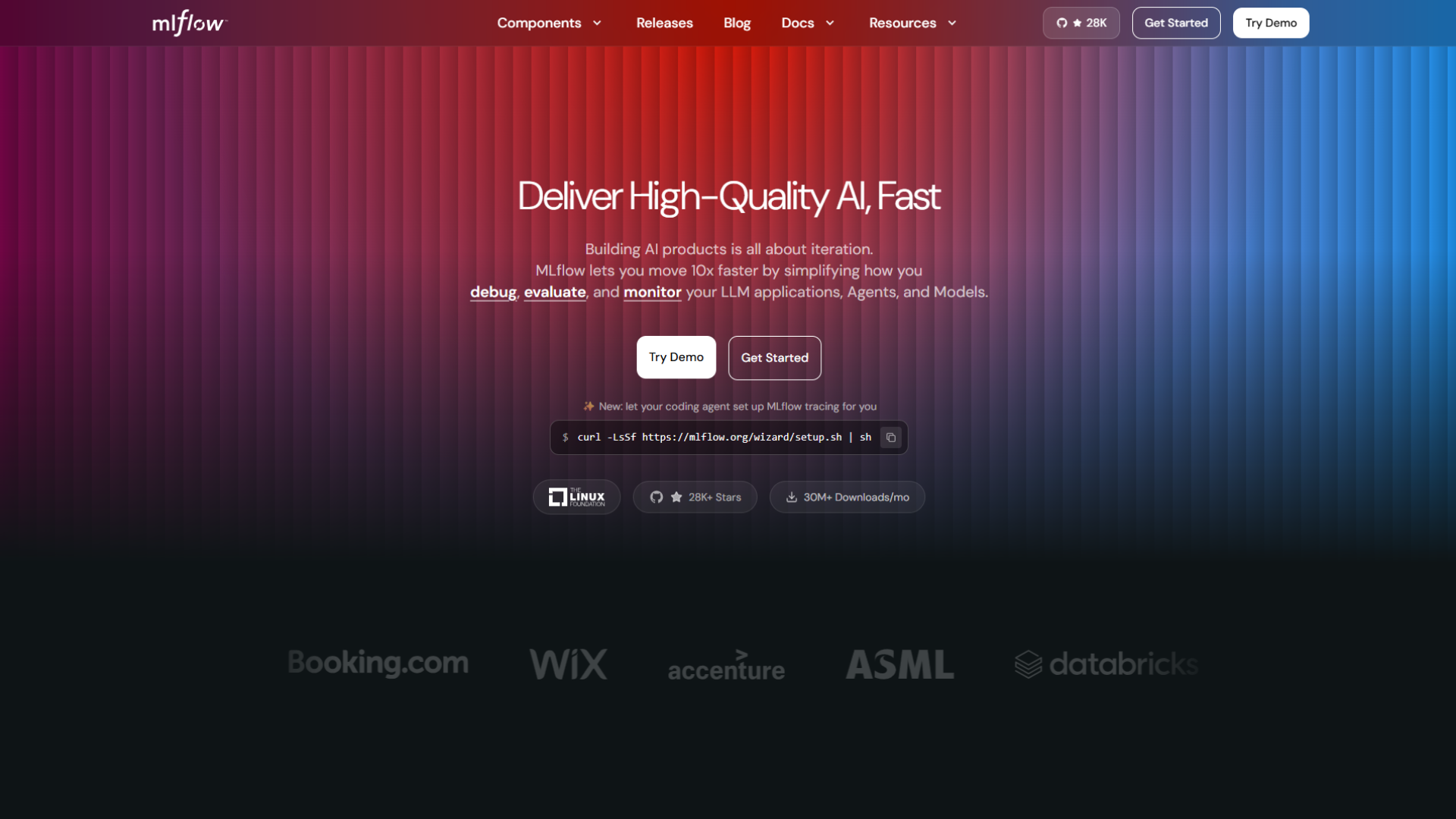
Tracking and registry record every run's parameters, metrics, and artifacts, and promote models through versions. Whatever trains the model, the record looks the same.
GenAI tracing and evaluation capture the inputs, outputs, and intermediate steps of an LLM app, such as retrievals and tool calls, then score them with judges or human feedback.
Why teams pick MLflow:
- Vendor-neutral: it runs anywhere, and Databricks offers a managed version if you later want one.
- Free: you pay only for the infrastructure it runs on.
- Classic and GenAI in one tracker: the same experiments hold model runs and LLM traces.
Performance. MLflow has no license cost. Its real cost is the people time to run a tracking server, a metadata database, and an artifact store.
Running it in production. MLflow records and governs models; it is not where most teams serve GPU workloads at scale. Pair it with KServe, a cloud endpoint, or an inference platform, and make the registry the handoff point.
Choose it when you want an open, portable system of record. Pick something else when you want serving, orchestration, and tracking from one product (ClearML, Databricks).
7. Kubeflow: Best for Kubernetes-Native Platform Teams
Kubeflow is a set of Kubernetes-native components for each stage of the ML lifecycle, and you can deploy it anywhere you run Kubernetes. It fits platform teams that already operate clusters and want ML to follow the same patterns.
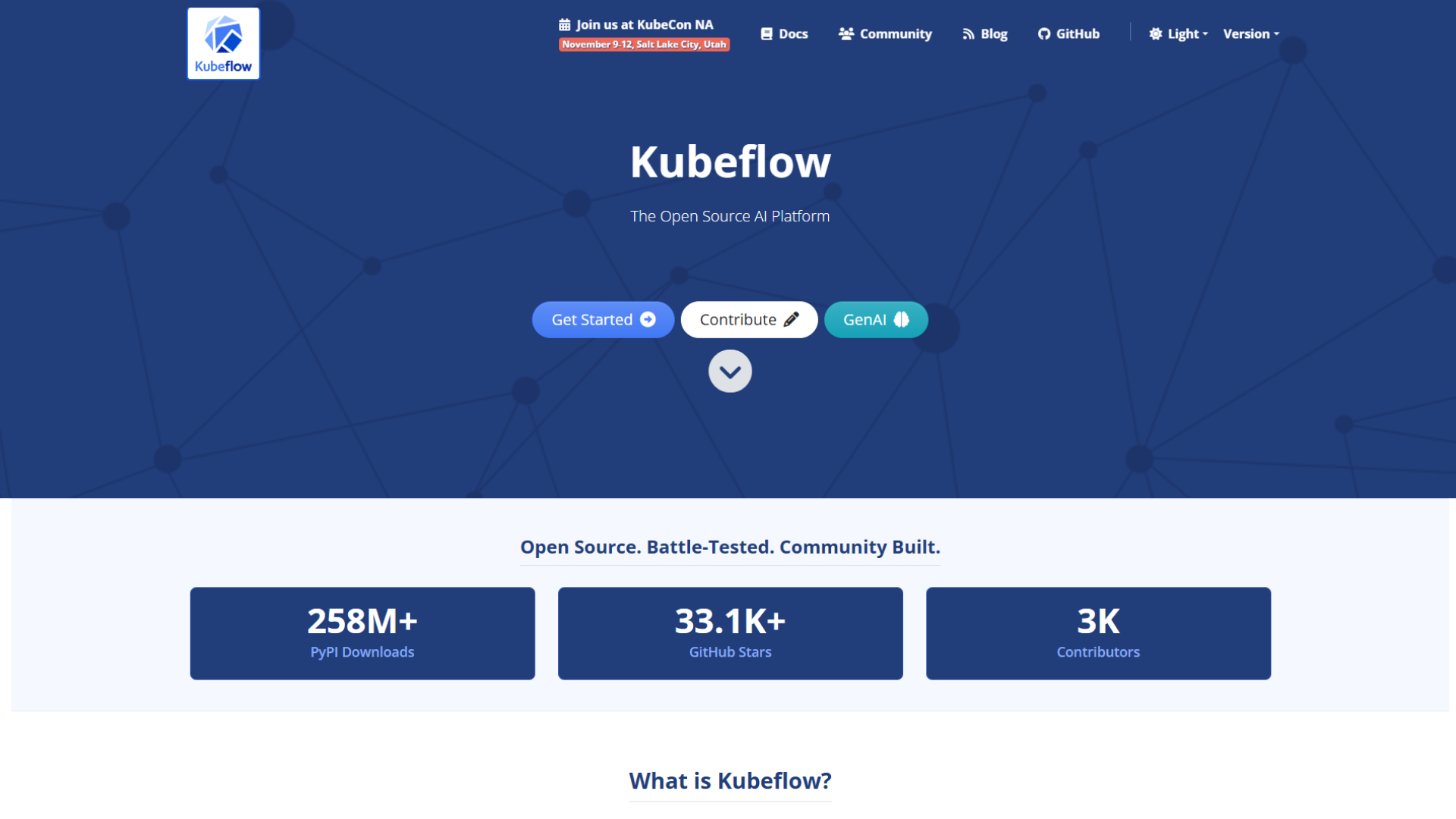
Components you can adopt one at a time. Pipelines orchestrate workflows, Trainer runs distributed training and LLM fine-tuning, Katib tunes hyperparameters, and the Model Registry, now documented as Kubeflow Hub, indexes models. The registry stores metadata only, so artifacts stay in your S3 or GCS buckets.
KServe for serving. KServe, the model serving platform inside Kubeflow, deploys models through a Kubernetes custom resource and supports vLLM and llm-d backends with an OpenAI-compatible protocol for LLMs, alongside classic frameworks.
Why teams pick Kubeflow:
- No vendor lock-in: every component is open source and portable across clouds.
- Fits existing Kubernetes skills: GPU scheduling, RBAC, and GitOps work as they already do.
- LLM serving included: vLLM-backed endpoints without writing serving code.
Performance. Kubeflow is free. Its cost is the platform engineers needed to install, upgrade, and secure it.
Running it in production. The install mode decides your features. KServe's lighter standard Kubernetes install does not support canary rollouts or scale-to-zero; you need the Knative-based install for those, which adds components to operate.
Choose it when you have a platform team that runs Kubernetes well. Pick something else when you want managed optimization and autoscaling on top of Kubernetes without operating it (Simplismart's import mode).
8. Weights & Biases: Best for Experiment Tracking and Evals at Training Scale
Weights & Biases is the experiment tracking and evaluation platform many research and model-training teams standardize on. CoreWeave completed its acquisition of W&B on May 5, 2025, and since September 30, 2026, SaaS accounts sign in through CoreWeave Forge. W&B itself stays cloud-agnostic, and self-hosted accounts are unchanged.

Experiment tracking and registry log every run, compare them visually, and keep models and datasets versioned. This is where W&B has the most adoption.
Forge around it adds serverless fine-tuning, reinforcement learning, and inference. Those managed services run on CoreWeave compute, while W&B tracking works with any infrastructure.
Why teams pick W&B:
- Run comparison and visualization: strong for teams running many training experiments.
- LLM tracing and evals: W&B Weave covers GenAI apps next to model training.
- Works with any cloud: tracking does not require CoreWeave GPUs.
Performance. The current pricing page lists a free plan with up to 5 model seats, Pro starting at $60 a month with up to 10 model seats, and custom Enterprise plans.
Running it in production. Decide early which parts you want tied to one GPU cloud. Tracking is portable, but Forge's training and inference services run only on CoreWeave.
Choose it when experiment tracking quality matters most. Pick something else when you need serving and deployment inside your own cloud (Simplismart, SageMaker) or an open-source tracker (MLflow).
9. ClearML: Best Open-Source All-in-One on a Budget
ClearML is an open-source MLOps suite covering experiment tracking, data versioning, pipelines, orchestration, and serving. It suits small and mid-size teams that want one tool instead of five and have a limited budget.
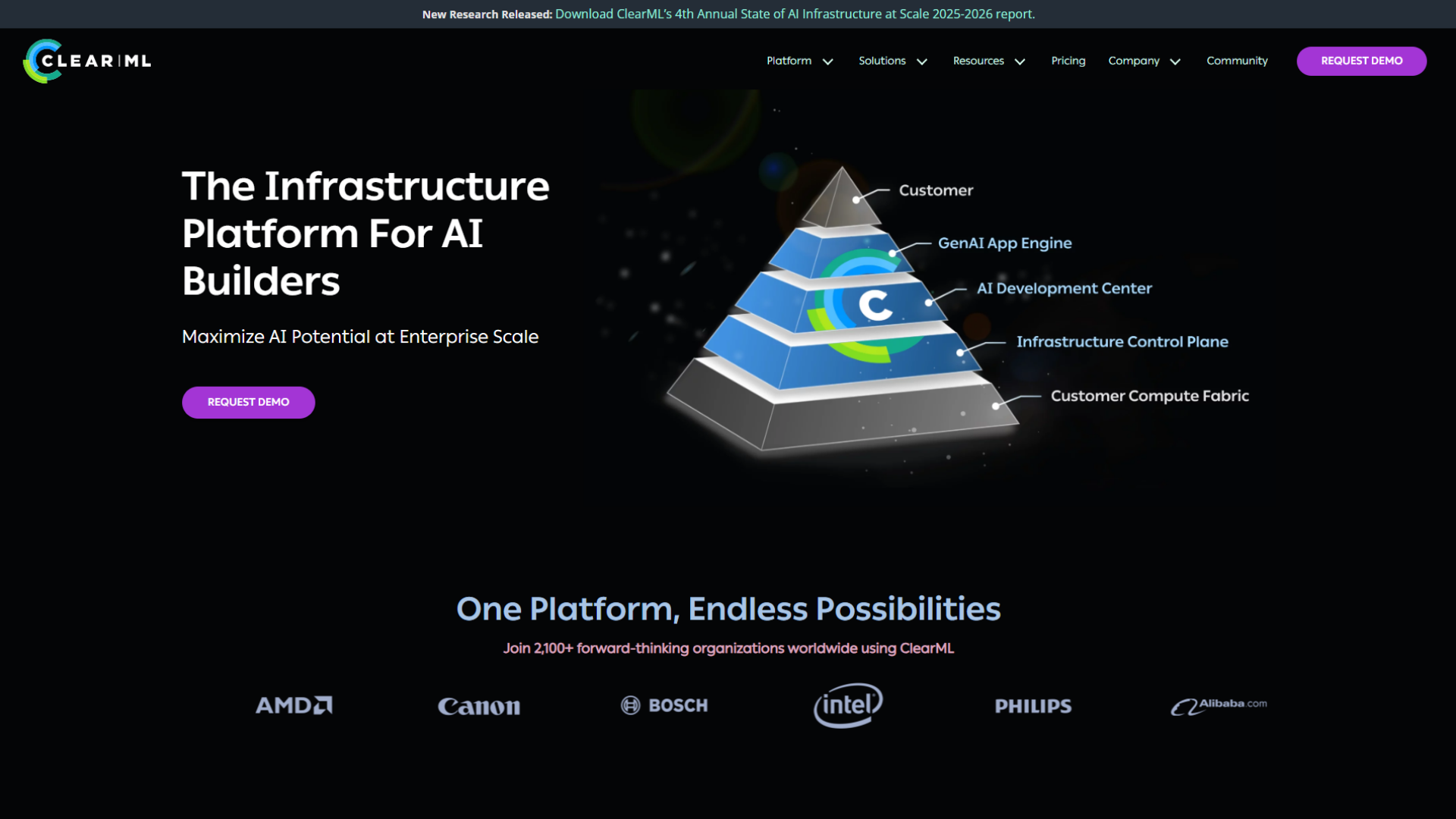
Queue-based orchestration lets ClearML agents pick up jobs from queues and run them on your machines or cloud instances, so data scientists launch remote runs without touching infrastructure.
Serving and deployment connect to the model repository, with node autoscaling and endpoint monitoring. ClearML still labels these serving features as beta.
Why teams pick ClearML:
- One suite: tracking, pipelines, data versioning, and serving in a single product.
- Self-host for free: the open-source edition has no license cost.
- Low entry price: paid hosting is priced per user.
Performance. The pricing page lists a free Community plan for up to 3 users, Pro at $15 per user per month plus usage for up to 10 users, and custom Scale and Enterprise plans for larger GPU fleets.
Running it in production. Because serving is still in beta, teams with strict latency targets usually keep ClearML for training and orchestration and serve GPU models elsewhere.
Choose it when you want broad open-source coverage on a small budget. Pick something else when production GPU serving is the core of your product (Simplismart, Databricks).
10. Domino Data Lab: Best for Regulated, Hybrid Enterprises
Domino Data Lab's Enterprise AI Platform is an enterprise MLOps platform that combines model development, deployment, collaboration, and governance for large, regulated organizations. It suits life sciences, financial services, and public-sector teams that run AI on-premises and in the cloud at the same time.
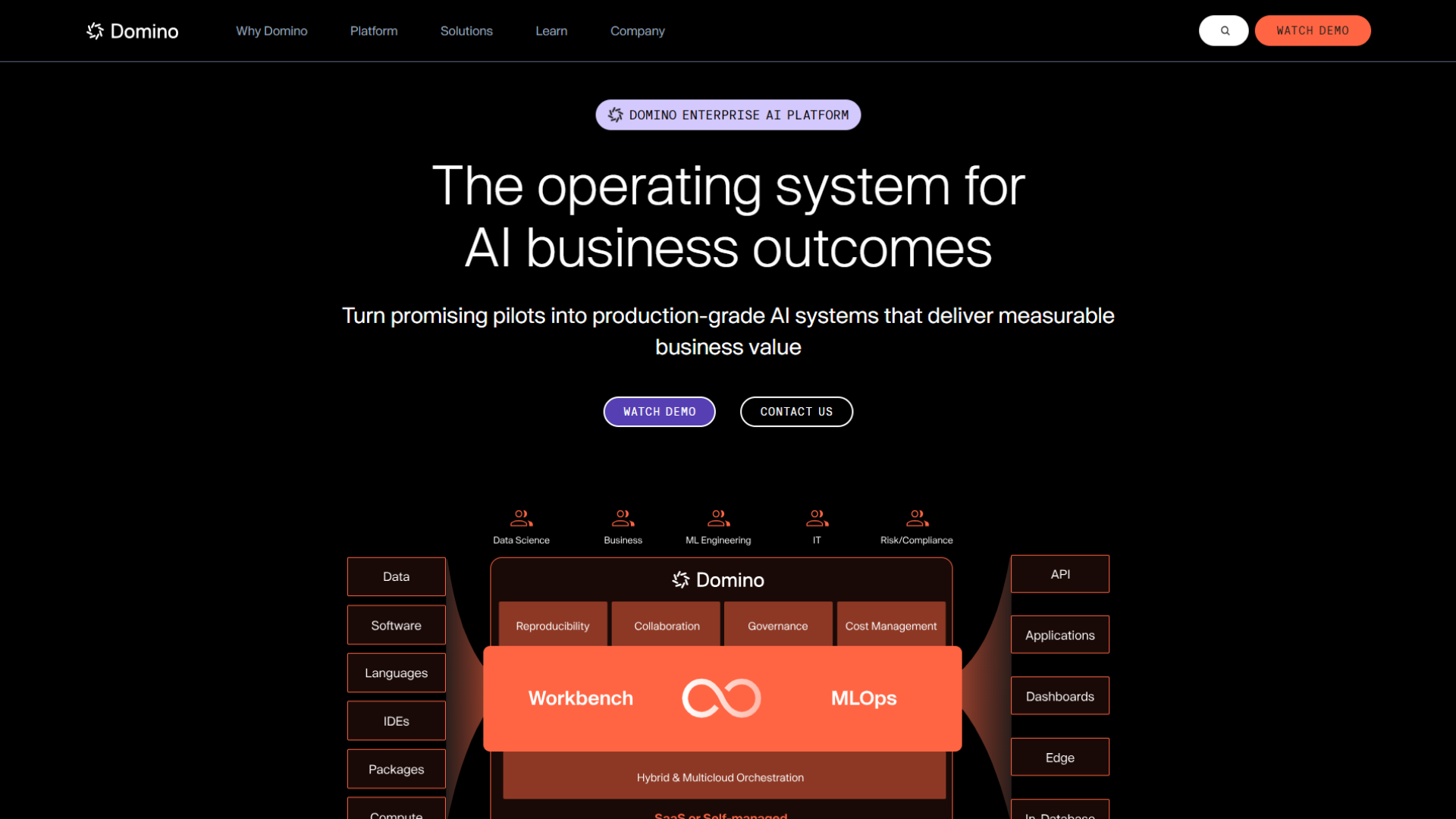
Nexus hybrid orchestration extends Domino on-premises for hybrid and multi-cloud orchestration from one control plane, including Slurm jobs on existing HPC clusters.
Governance by policy lets teams define policies for ML, GenAI, and LLM projects and keep audit-ready records of how each model was built.
Why teams pick Domino:
- Hybrid by design: cloud bursts and on-prem GPUs under one control plane.
- Governance built into the workflow: reviews and audit trails without a separate tool.
- Familiar tools: Jupyter, VS Code, RStudio, and Cursor workspaces.
Performance. Domino does not publish list prices; you get a quote from sales.
Running it in production. Governance pays off only after the policies exist. Budget time with risk and compliance teams to define them before the first model ships.
Choose it when auditors and on-prem data shape every AI decision. Pick something else when you need fast, self-serve GPU serving for GenAI (Simplismart) or open-source flexibility (Kubeflow).
Do You Need One MLOps Platform or a Stack of MLOps Tools?
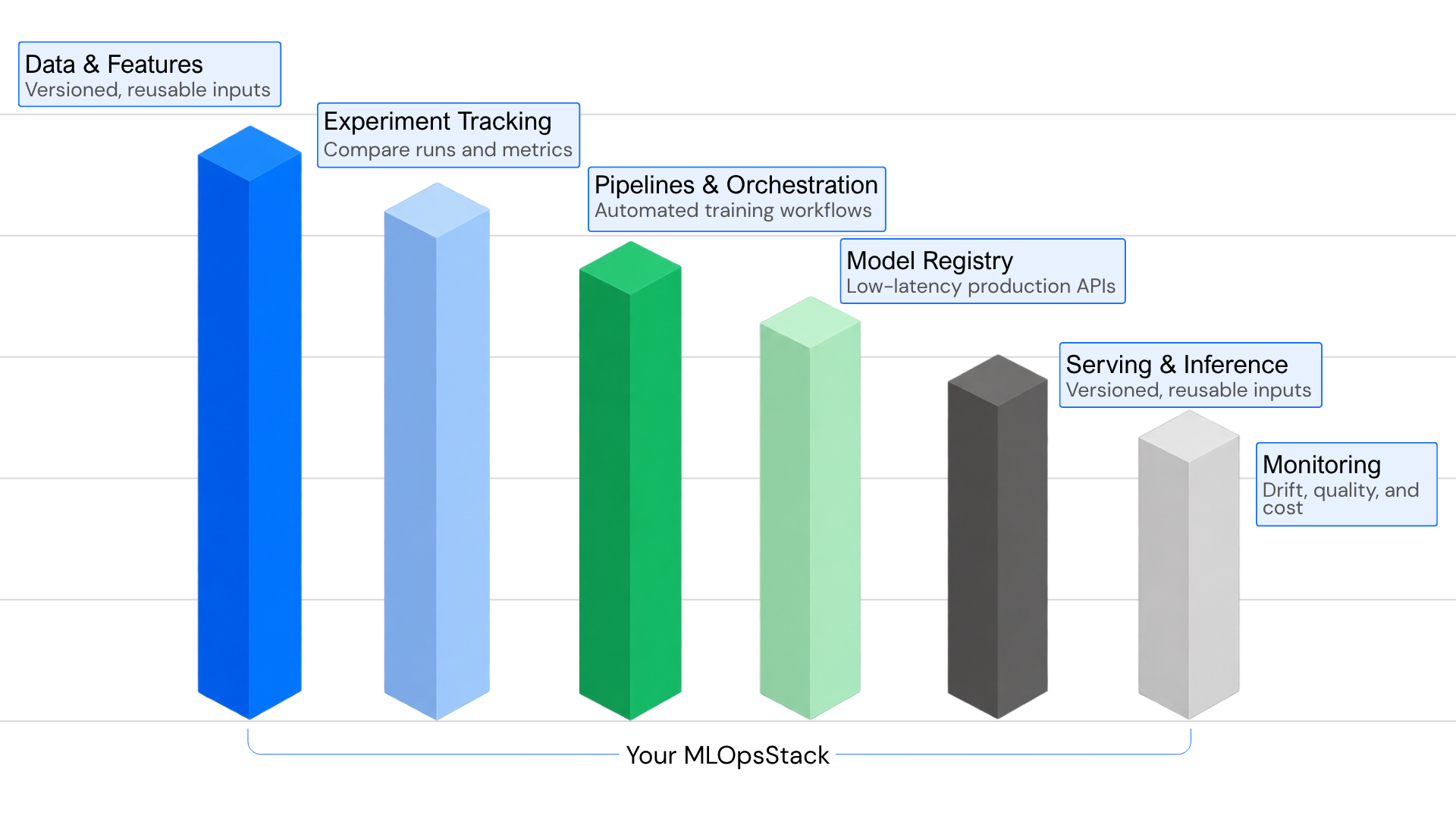
Most teams end up with a stack: one platform for the layers they want managed, plus a few open-source tools for MLOps layers it does not cover. An MLOps platform bundles several layers behind one interface. MLOps tools each do one layer well. The right split depends on which layers are your bottleneck today.
Every production ML stack needs six layers:
- Data and features: pipelines and a feature store, so training and serving compute features the same way.
- Experiment tracking: a record of every run's code, data, parameters, and results.
- Pipelines and orchestration: scheduled, repeatable training and evaluation jobs.
- Model registry: versioned models with an approval step before production.
- Serving and inference: ML model deployment as endpoints or batch jobs, autoscaling and, for GenAI, GPU optimization.
- Monitoring: latency, errors, drift, and cost, using model monitoring tools wired into your alerting.
Buy a product for the layer that costs you the most time or money. For classic ML teams, that is usually layers 1–4. For GenAI teams, it is usually layer 5, because GPU serving is where most of the spend and most of the latency problems sit.
How Do You Choose a GenAI MLOps Platform for LLM Workloads?
Pick a GenAI MLOps platform by working backward from three constraints: where your data must stay, how much GPU serving you run, and who will operate the stack. Classic MLOps criteria still apply, but for LLM workloads, serving cost and latency usually decide the shortlist.
What changes with LLMs? LLMOps is MLOps applied to large language models. The lifecycle is the same, but three things get harder. Evaluation moves from a single accuracy number to traces and judged outputs. Serving moves to GPUs, where batching, quantization, and caching decide most of the cost. Latency becomes a product metric, measured as time to first token and tokens per second.
A short decision path:
- Start from your data platform. If your data lives in Databricks, SageMaker, or Google Cloud, use that platform's lifecycle layer first. Moving data is often the most expensive part of a platform switch.
- Decide where models must run. If data residency or customer contracts require your own cloud account, VPC, or on-prem hardware, shortlist platforms that deploy there: Simplismart, Domino, or Kubeflow.
- Size your GPU serving. If open or fine-tuned LLMs are a large share of your bill, choose a serving layer that optimizes the model for your GPU and autoscales on latency, and keep tracking in MLflow or W&B, which double as LLMOps tools for traces and evals.
- Match the operator. A Kubernetes platform team can run Kubeflow and MLflow well. A small ML team is usually better served by a managed MLOps platform.
If you run models in your own cloud, our guide to BYOC AI inference covers the trade-offs between a managed cluster and importing one you already operate.
What Does an MLOps Platform Cost to Run?
An MLOps platform costs its license plus the compute it runs, plus the people who operate it. For GenAI workloads, GPU serving is usually the largest line, so the pricing unit matters more than the list price.
The platforms above bill in four different units: DBUs per hour (Databricks), instance-hours or VM minutes (SageMaker, Azure), per-seat plans (W&B, ClearML), and per token or per GPU-hour (Simplismart). Self-hosted open source (MLflow, Kubeflow) has no license but needs engineers to run it.
For dedicated GPU serving, the monthly cost follows one formula:
Using on-demand rates from Simplismart's pricing page, here is how the inputs move the bill (the single always-on H100 is covered in the Simplismart entry above):
Three levers lower these numbers:
- Scale-to-zero for bursty traffic: the last row shows a single H100 billed for 220 hours instead of 730, if your traffic allows idle periods. See how autoscaling GenAI inference works in practice.
- Quantization and right-sized GPUs: Sanas cut serving costs by 53% after moving its Gemma 3 voicebot from H100s to INT4-quantized A10Gs, keeping 99.99% of task accuracy.
- Reserved capacity: committed GPU reservations usually price below on-demand; on Simplismart, large reservations are quoted by sales at lower than on-demand rates.
For self-hosted open source, add engineering time. A Kubeflow or MLflow deployment that saves license fees still needs people for upgrades, security patches, and on-call.
Frequently Asked Questions (FAQ)
What is the best MLOps platform?
The best MLOps platform depends on your cloud ecosystem. Databricks ranks as the best overall for unified lakehouse data and managed MLflow, Amazon SageMaker excels in AWS-native environments via SageMaker Unified Studio, and Google Cloud leads for native big data and agent workflows.
What are the best open-source MLOps platforms?
Top open-source options include MLflow as the gold standard for experiment tracking and model registries, Kubeflow for modular Kubernetes-based orchestration of distributed training and LLM deployments, and ClearML as an all-in-one suite for smaller teams on a budget.
What is the best MLOps platform for generative AI and LLMs?
Simplismart is the top choice for secure GenAI deployments inside your own VPC, cloud account, or on-premises cluster. For managed environments, Databricks provides powerful Foundation Model APIs, while Azure Machine Learning and Microsoft Foundry deliver robust enterprise model catalogs.
What is an MLOps platform?
An MLOps platform is a centralized software system that unifies, automates, and governs the entire machine learning lifecycle, ranging from data preprocessing and experiment tracking to model deployment, GPU serving, and continuous monitoring.
What is the difference between MLOps and LLMOps?
While both manage the ML lifecycle, MLOps focuses on traditional machine learning, tabular data, and statistical metrics. LLMOps targets large language models, specializing in LLM-as-a-judge evaluations, multi-step trace monitoring, and GPU infrastructure optimization like vLLM batching.
How much does an MLOps platform cost?
Costs vary by model. Cloud platforms charge via DBUs or instance-hours, commercial SaaS tools use monthly per-seat subscriptions, and inference platforms bill per token or GPU-hour. Open-source frameworks have free software licenses, though organizations must budget for infrastructure and maintenance.